GenShot Studio

How GenShot Studio works

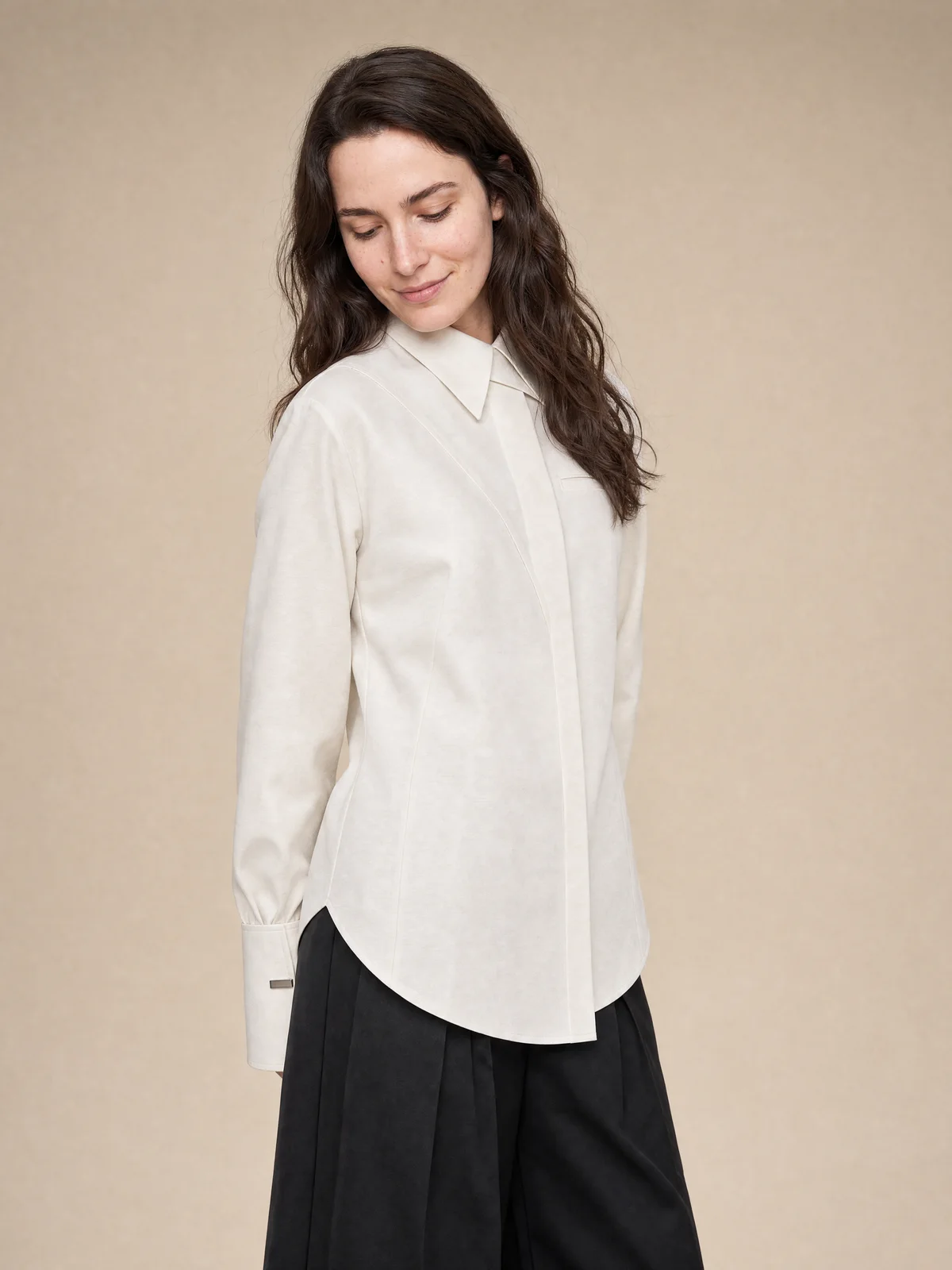
GenShot Studio is a managed AI product photography studio. You send products and a direction. We produce and check the images. You approve the files you want to keep.

The production path

Four steps,

no photoshoot to run.

The same path is used for catalog, product-page, and marketplace sets. Failed internal generations are not billed.

01

Send your products

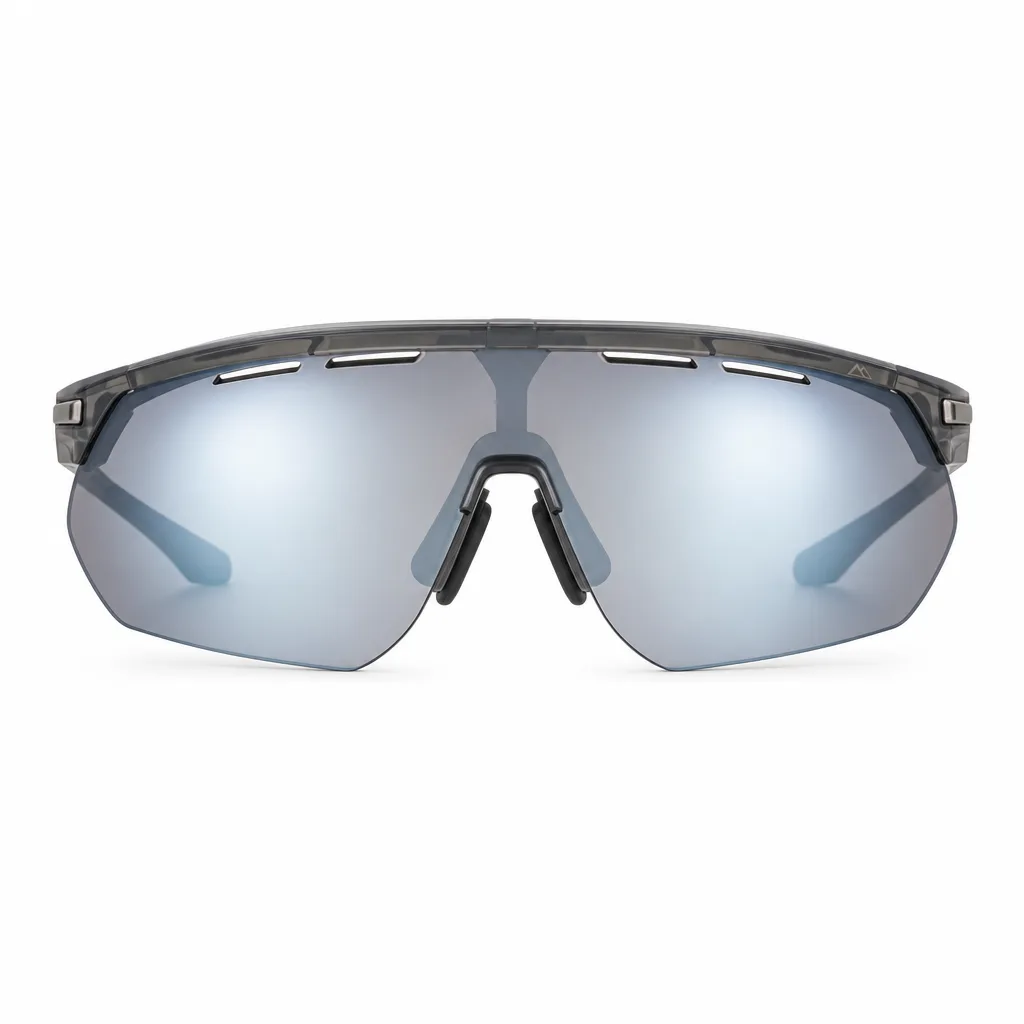
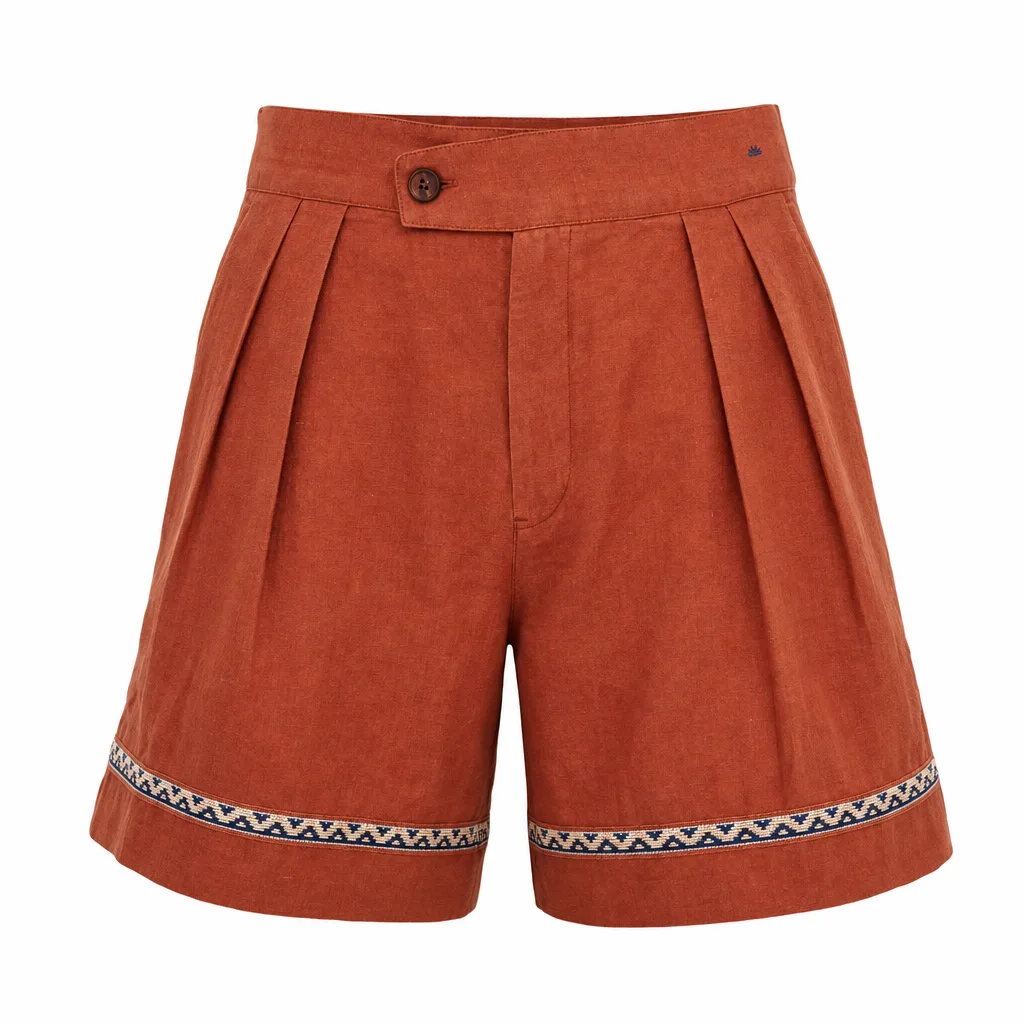
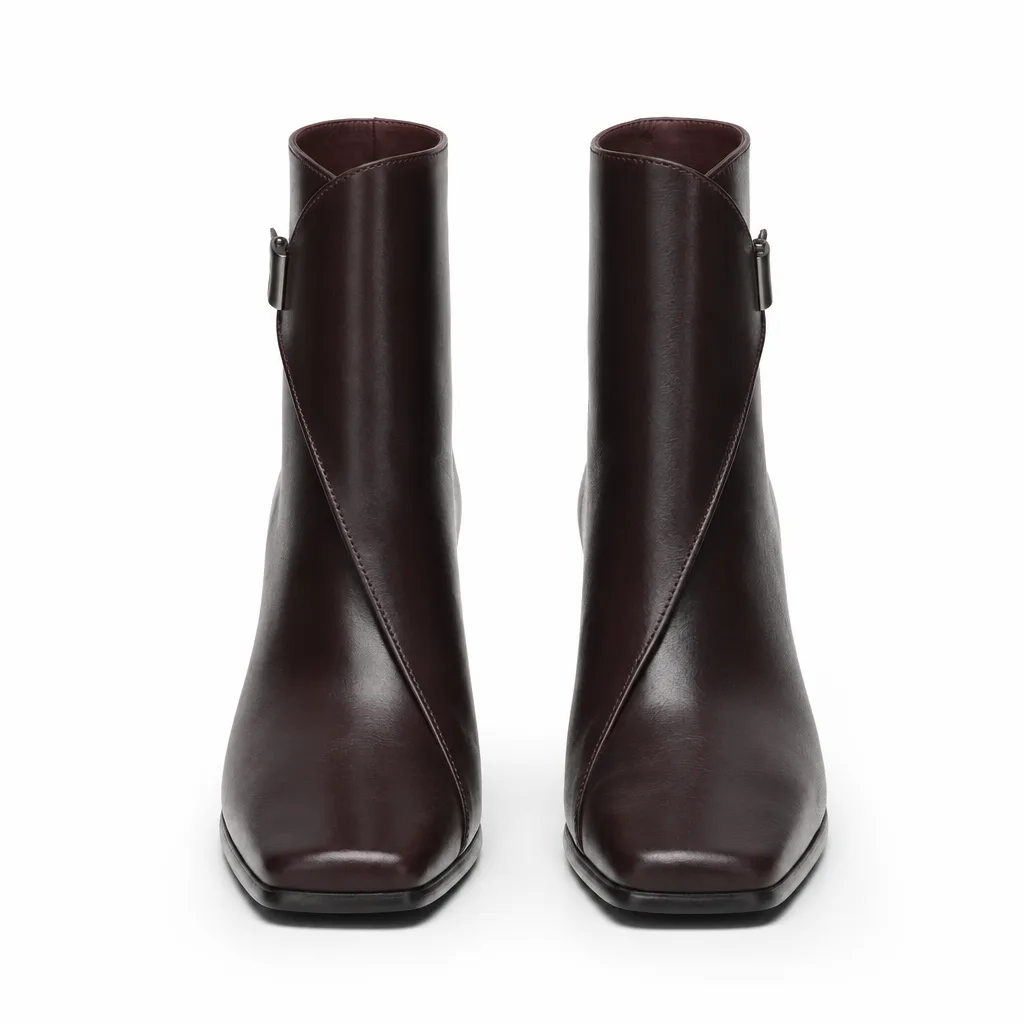
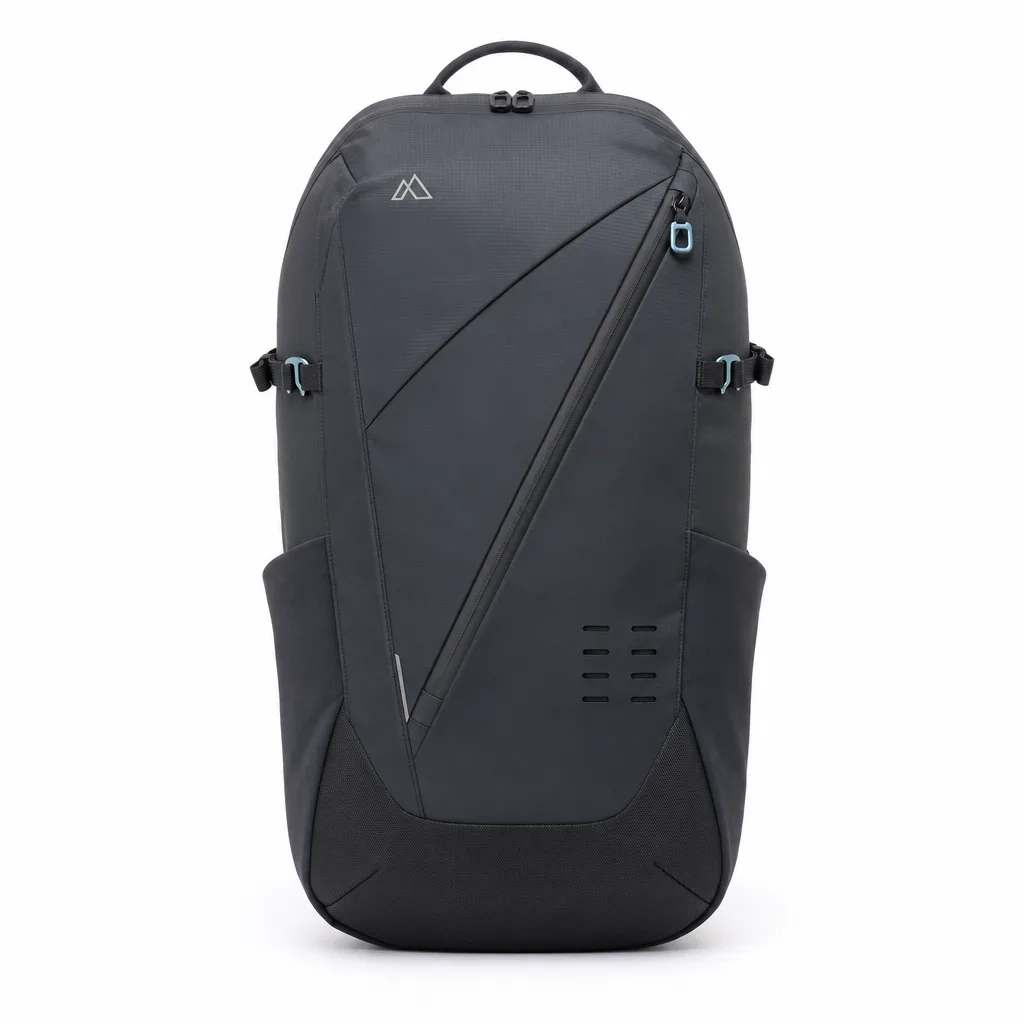
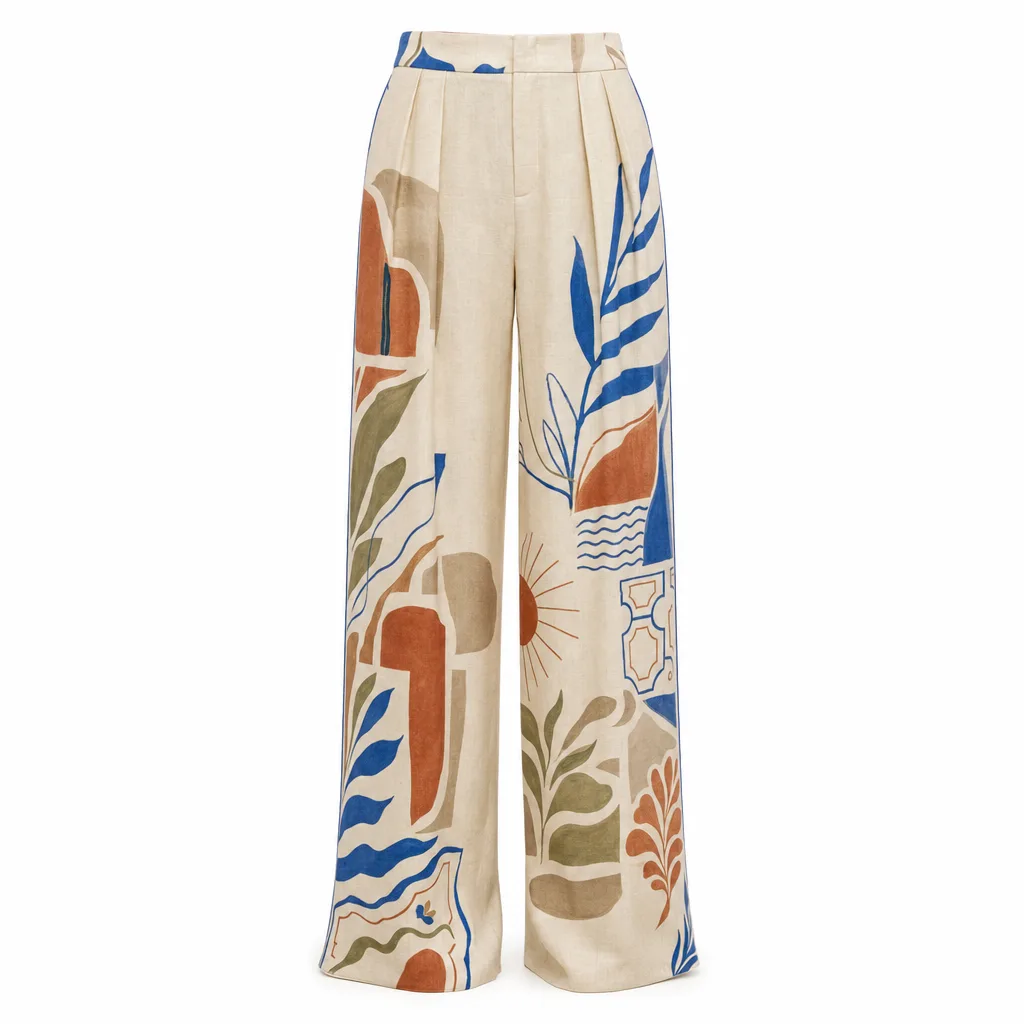
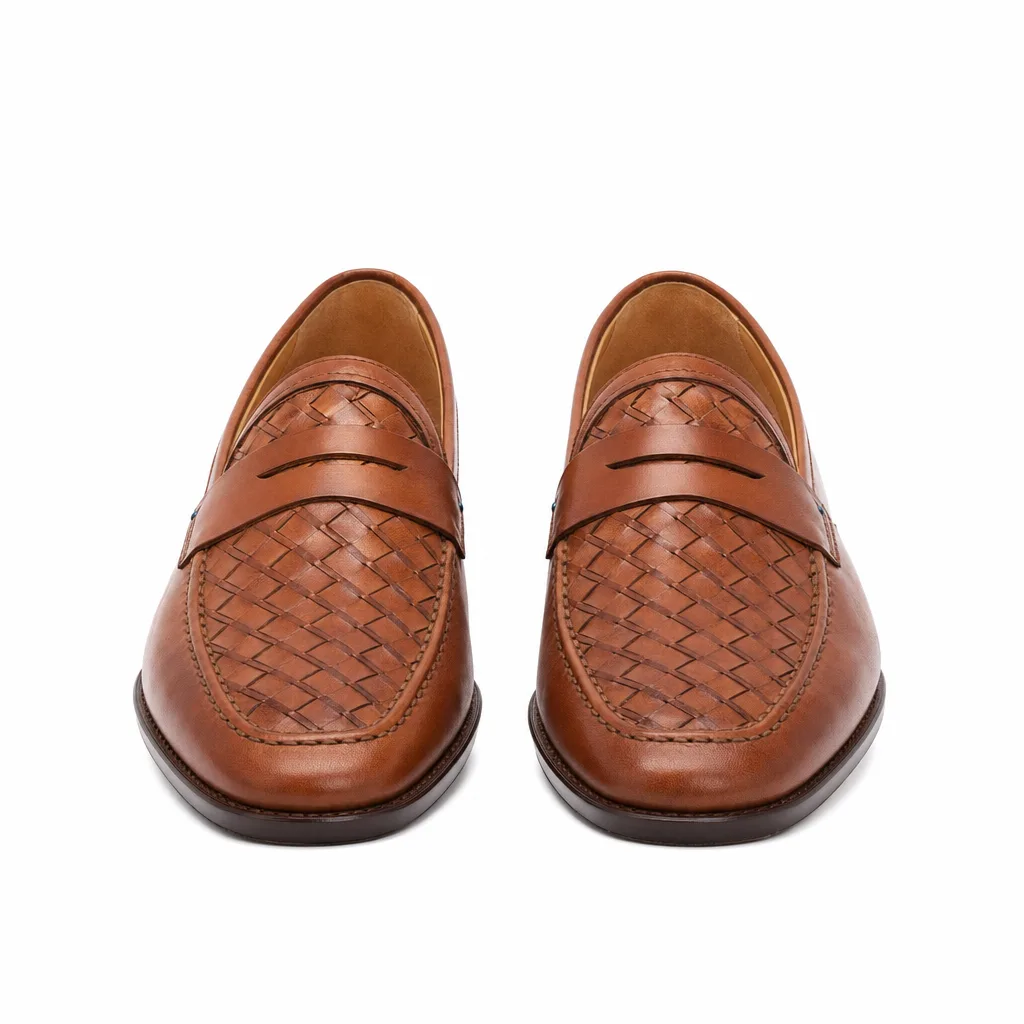
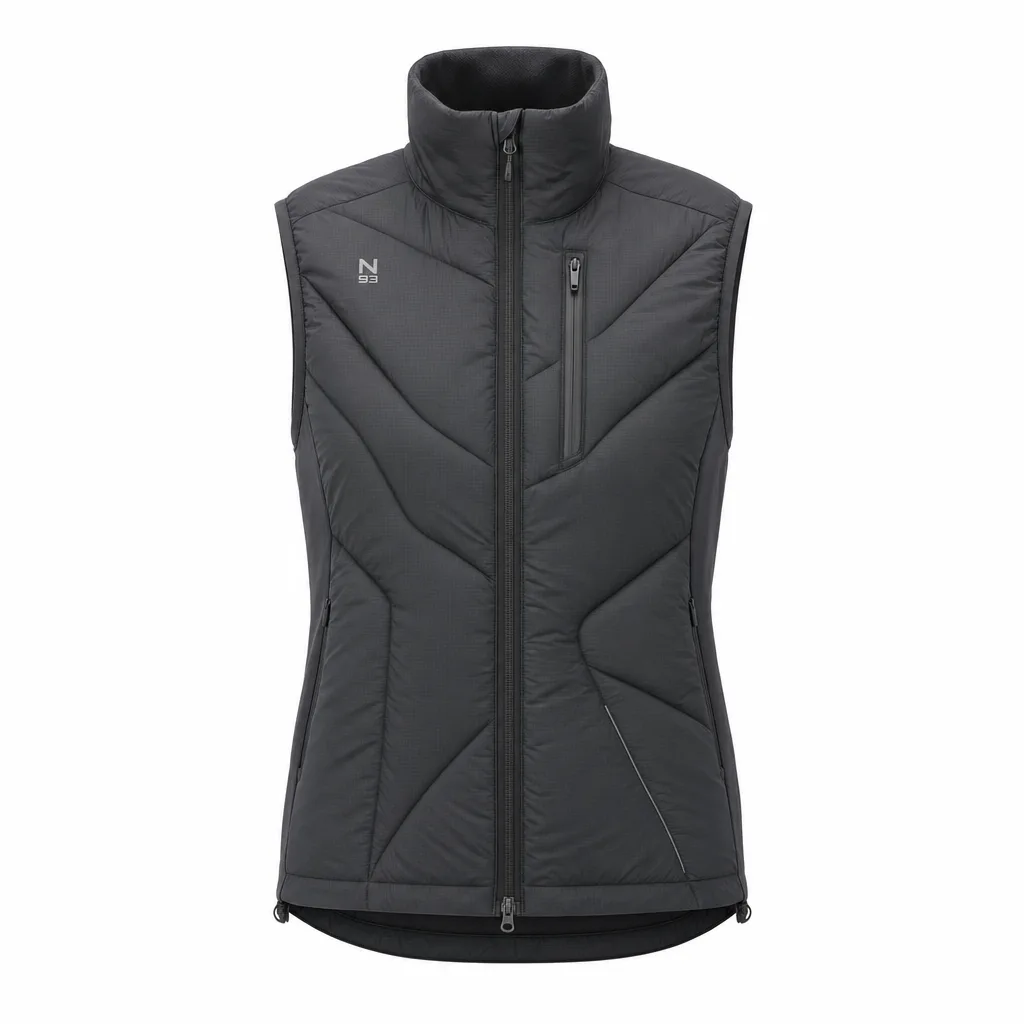
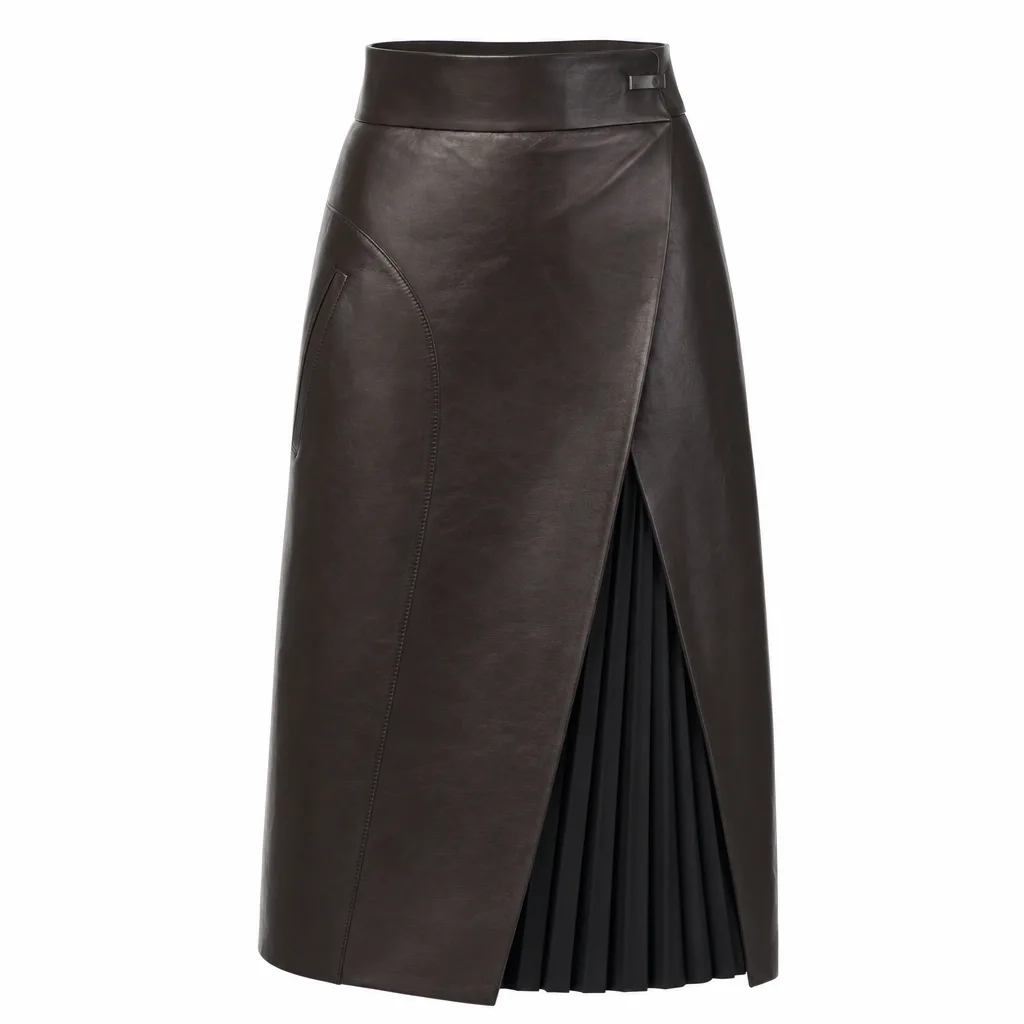
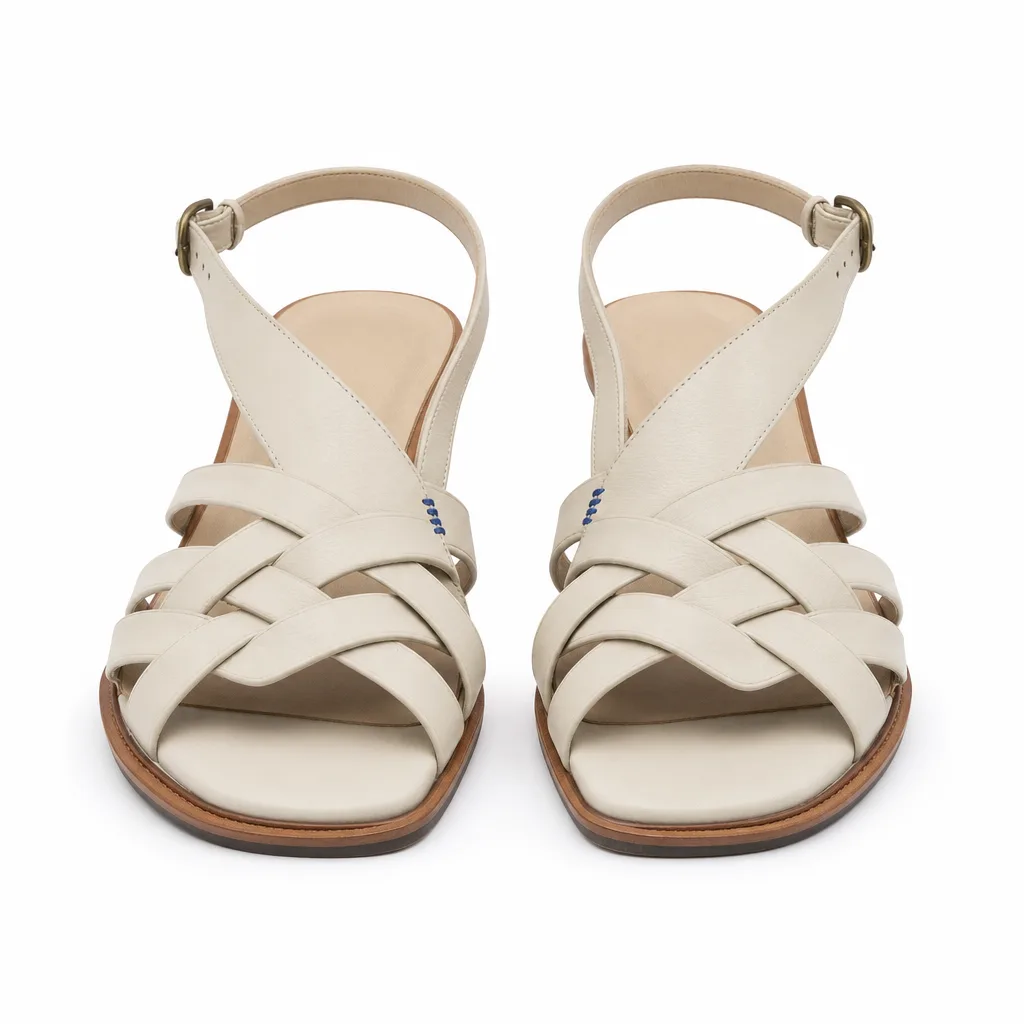
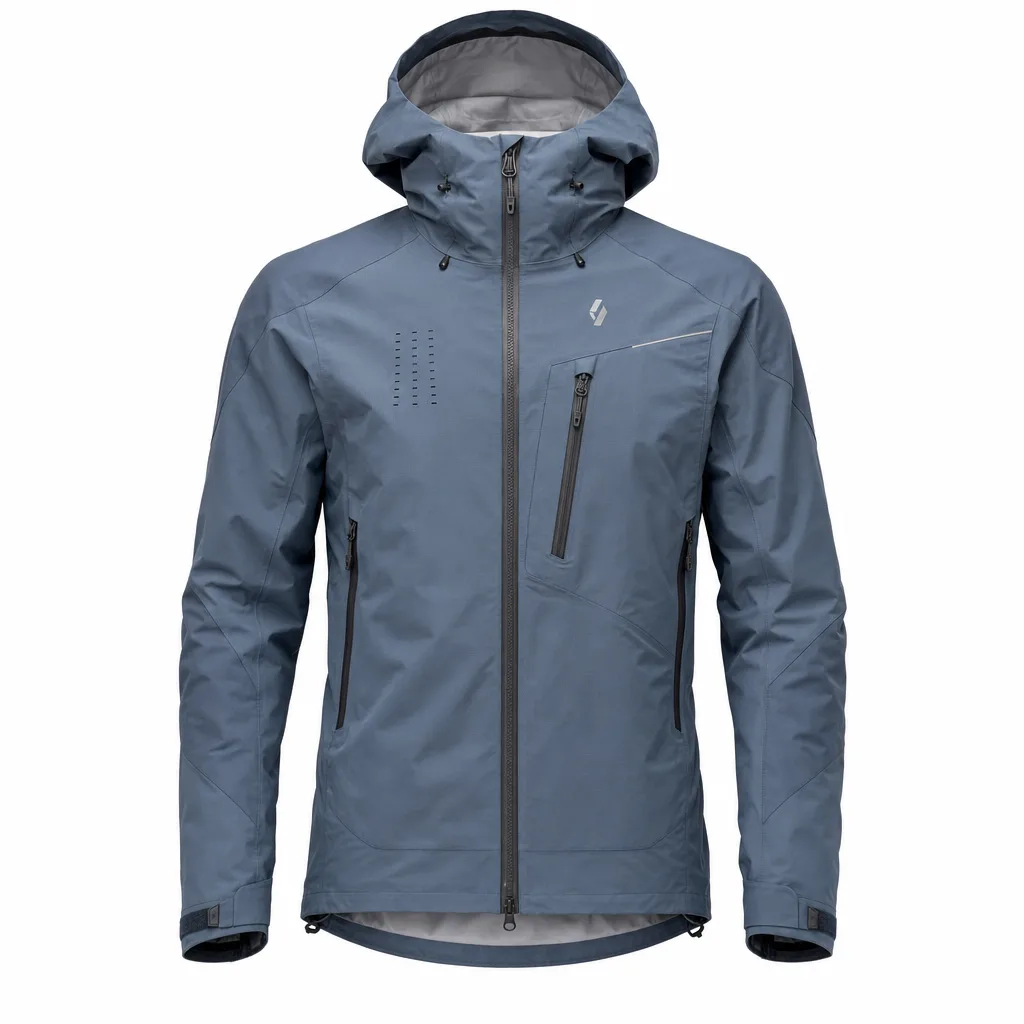
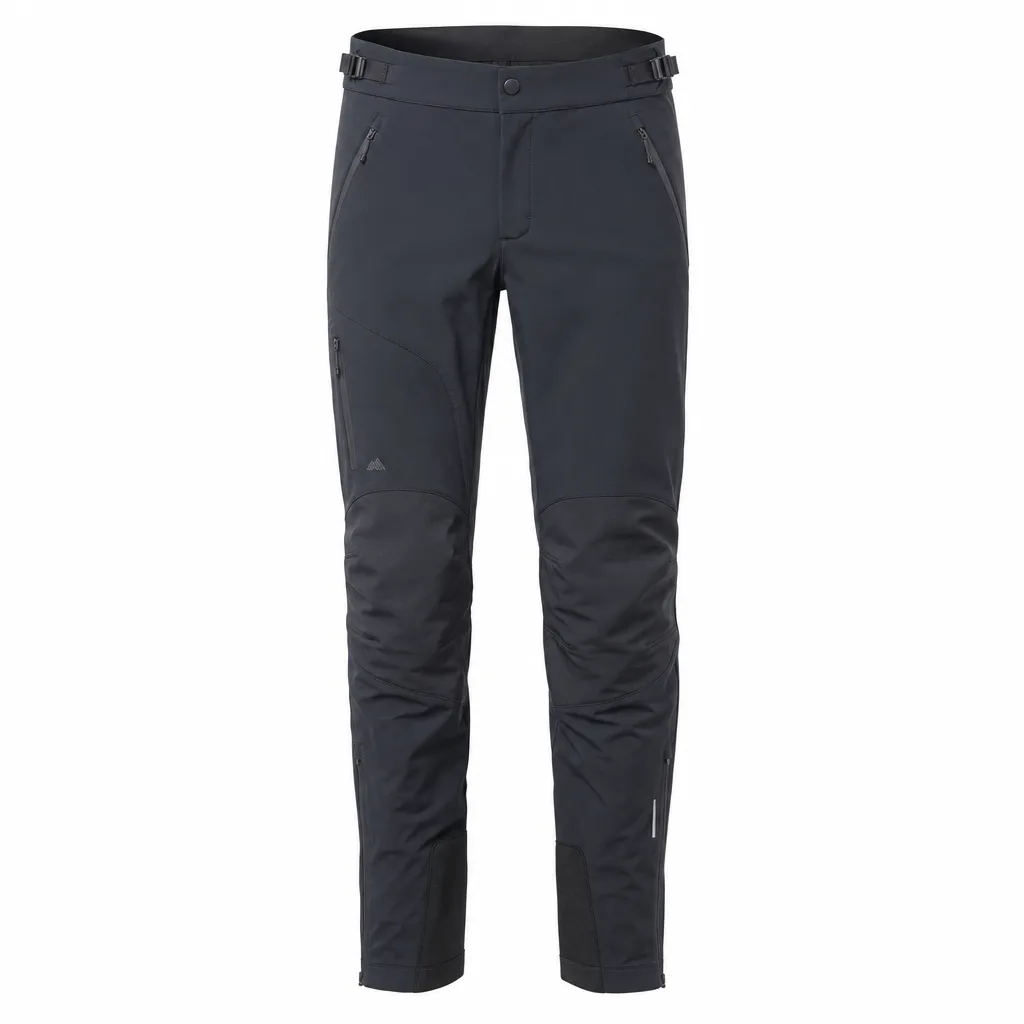
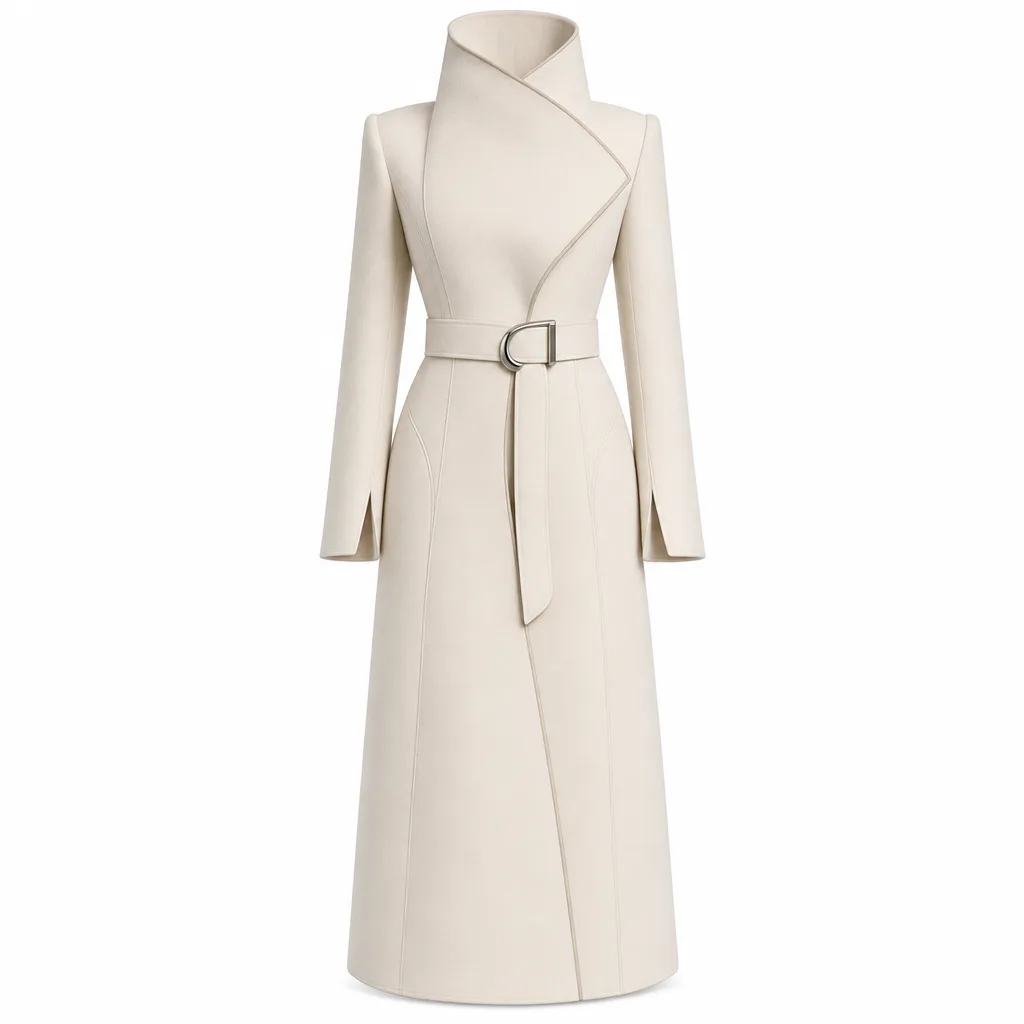
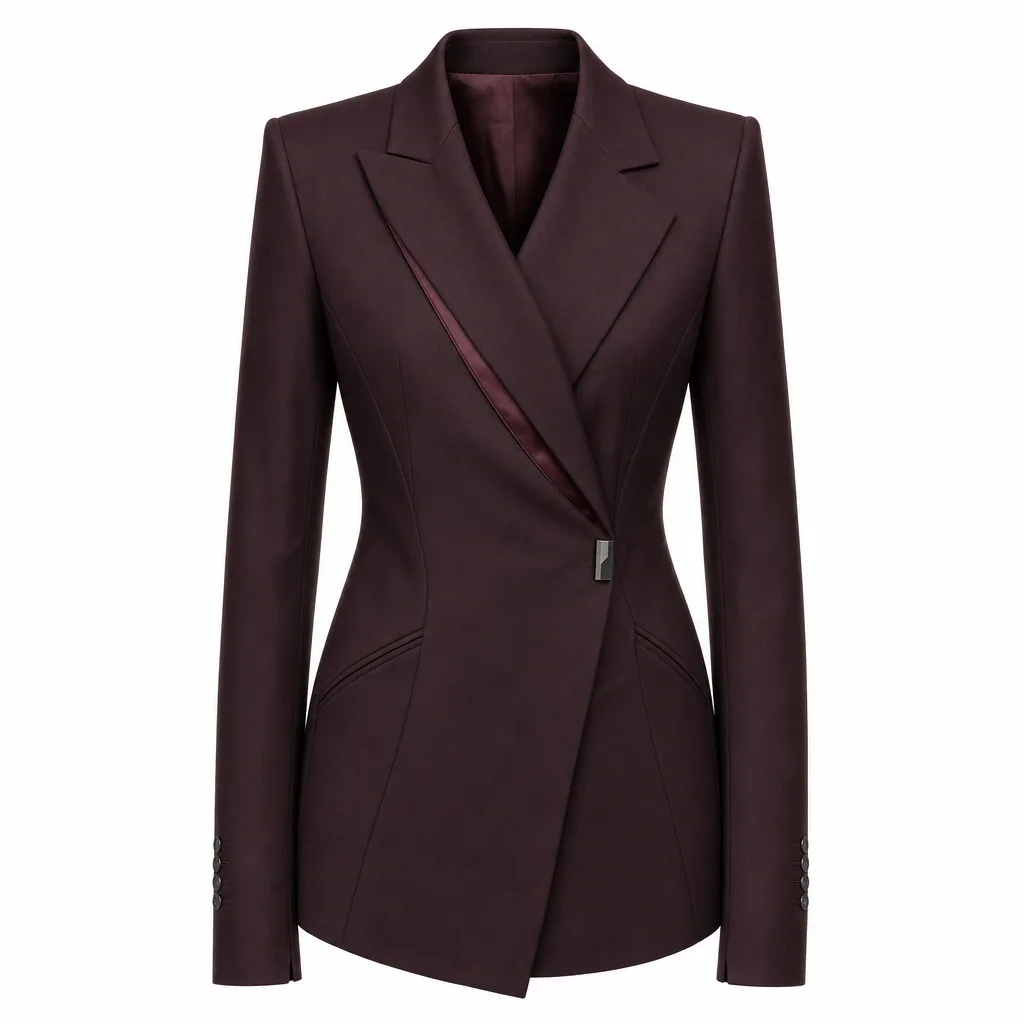
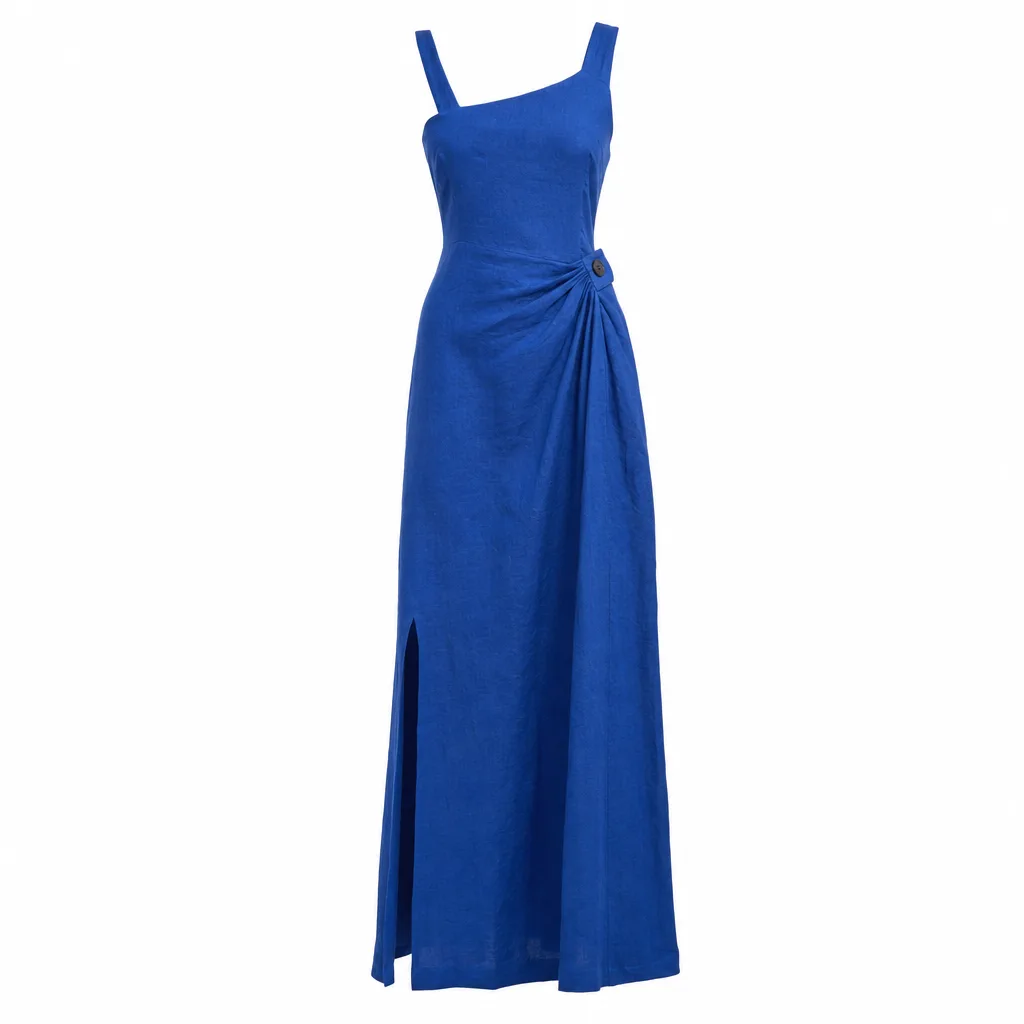
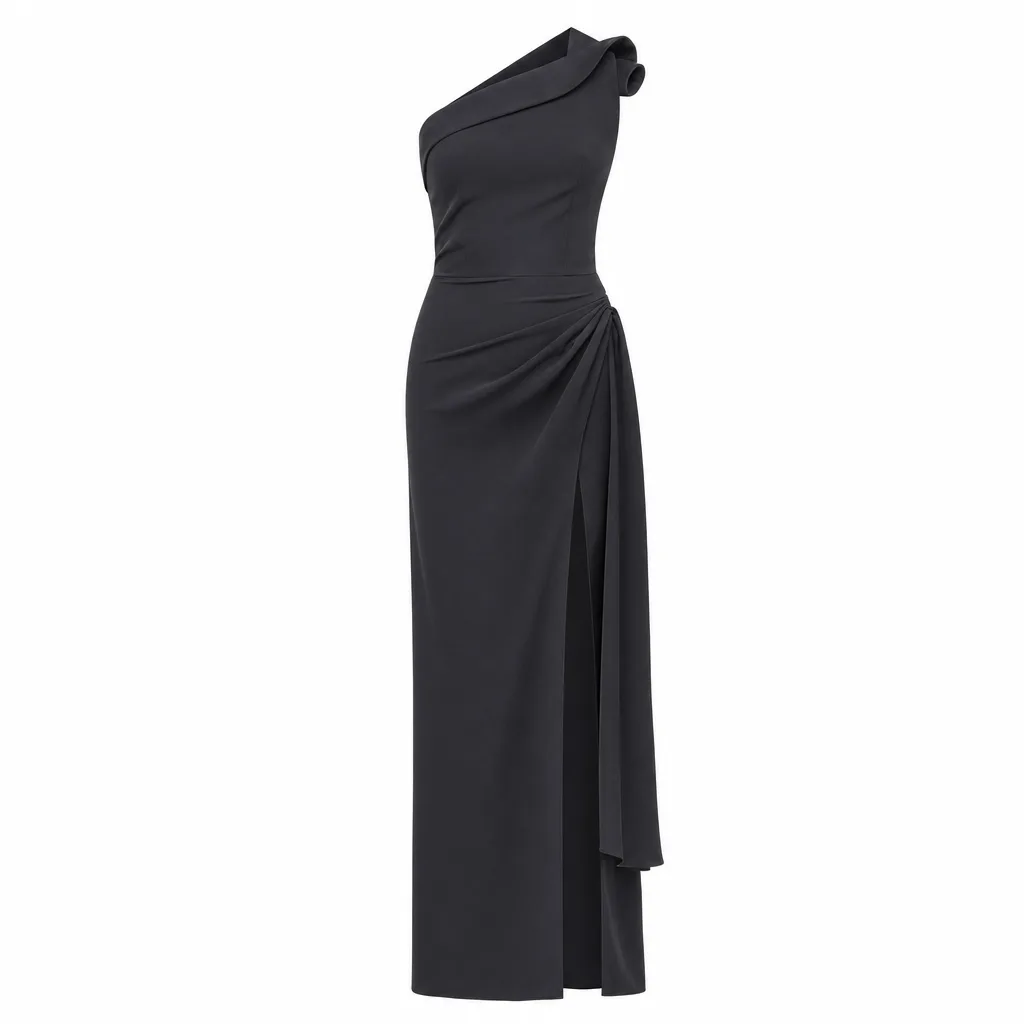
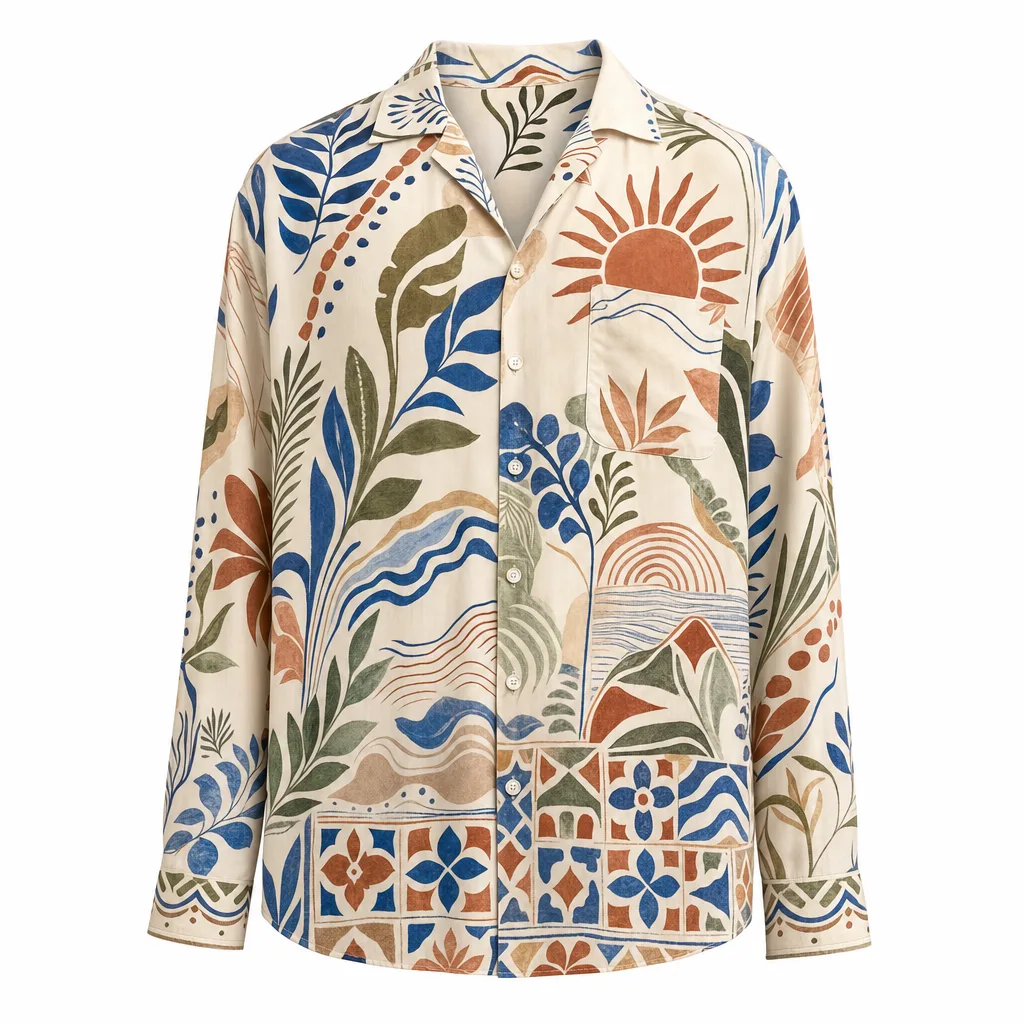
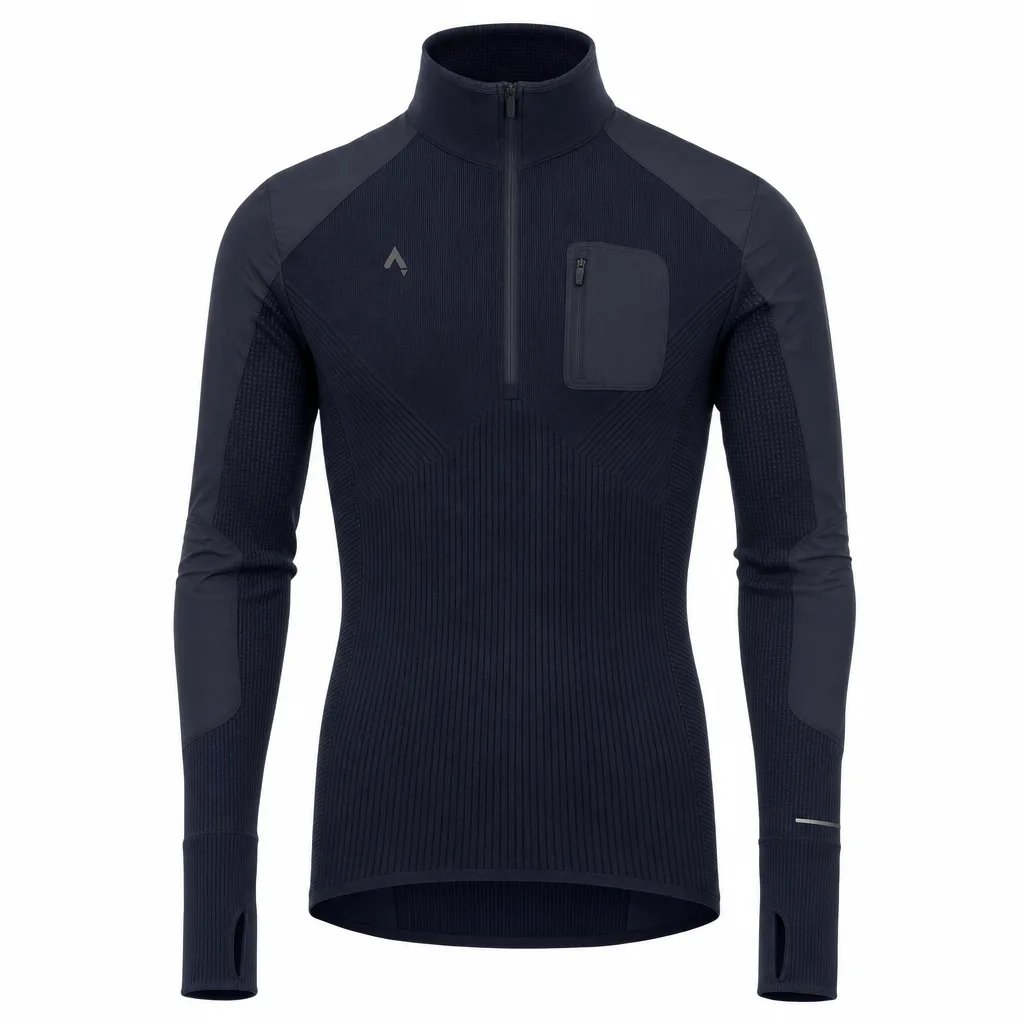
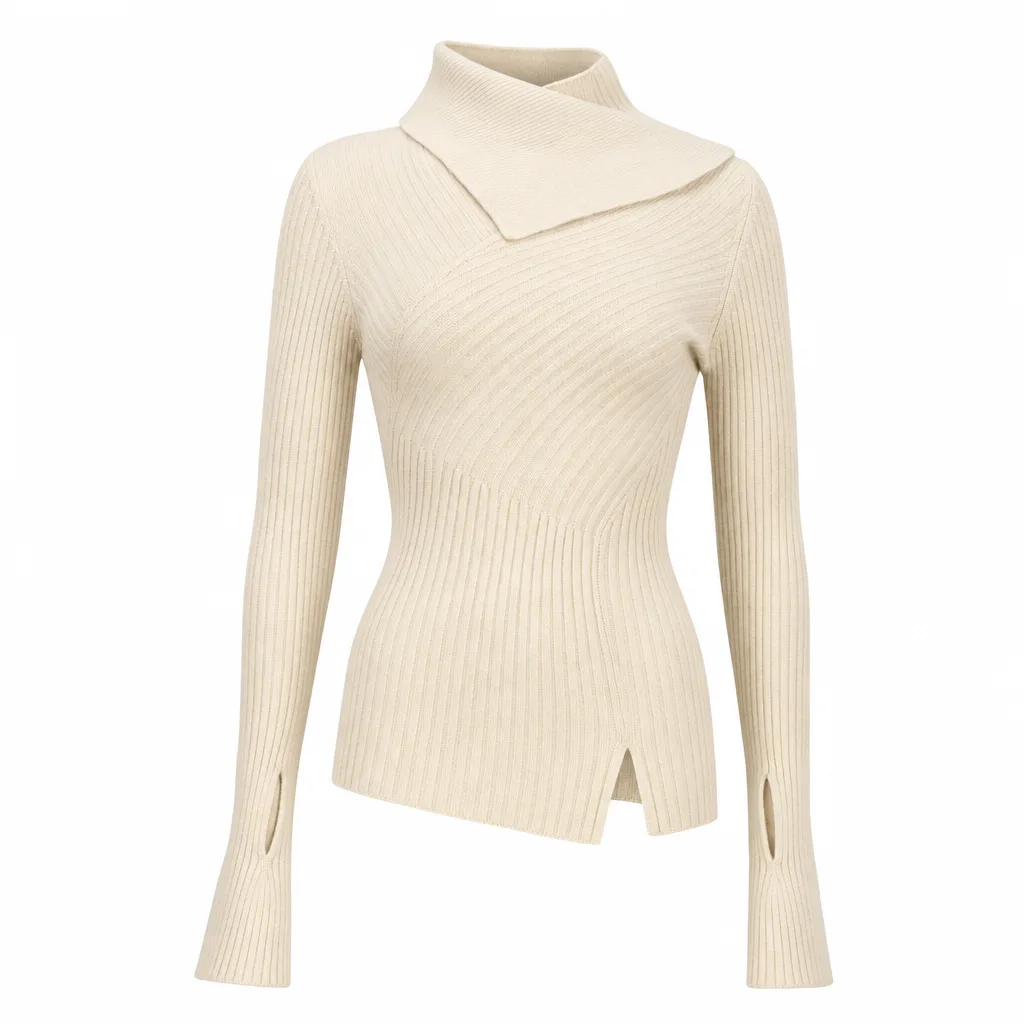
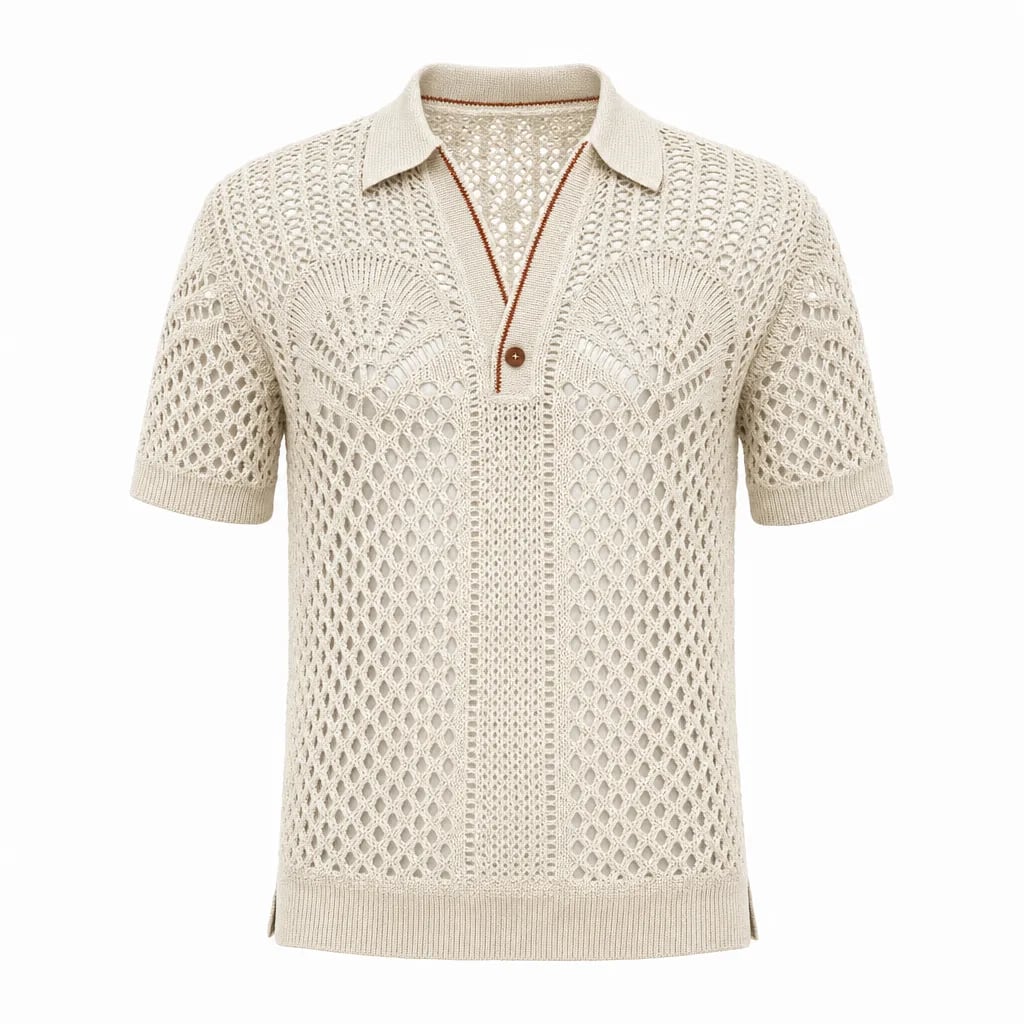
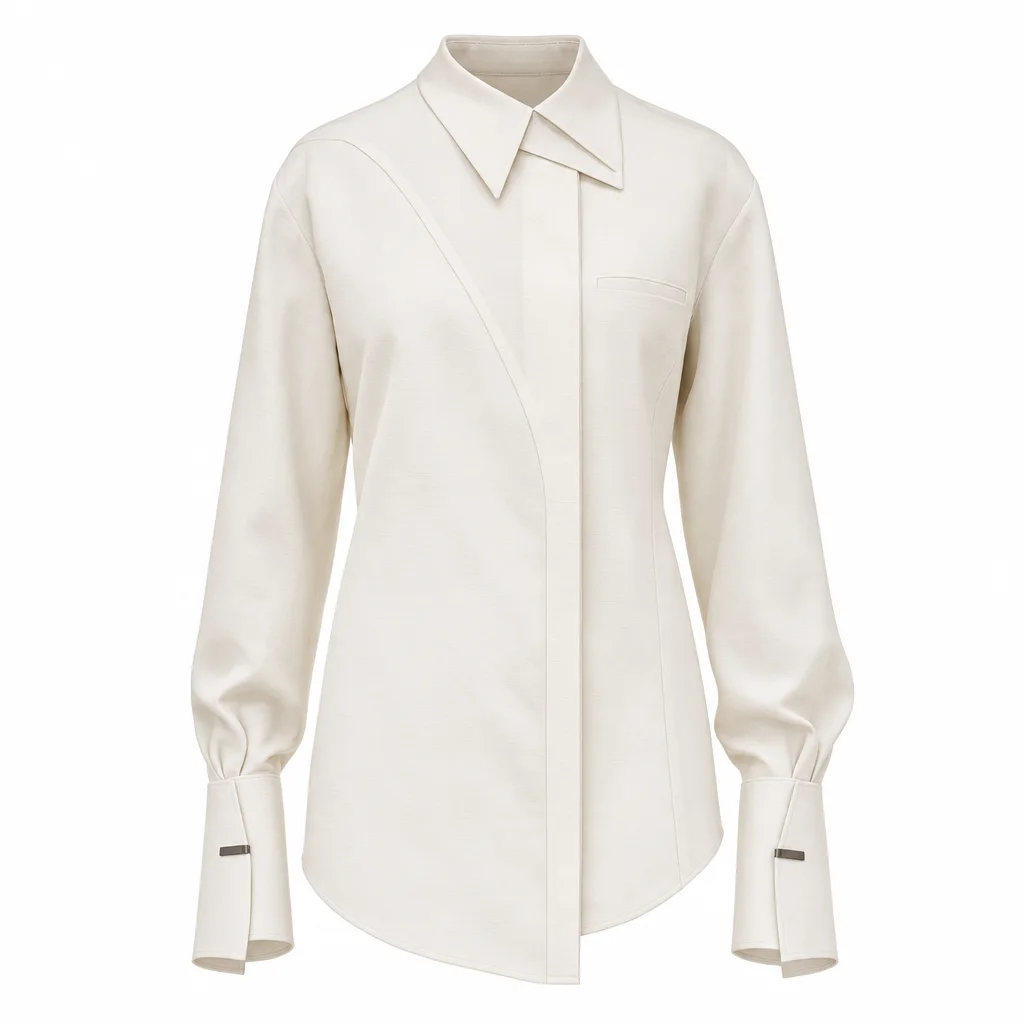
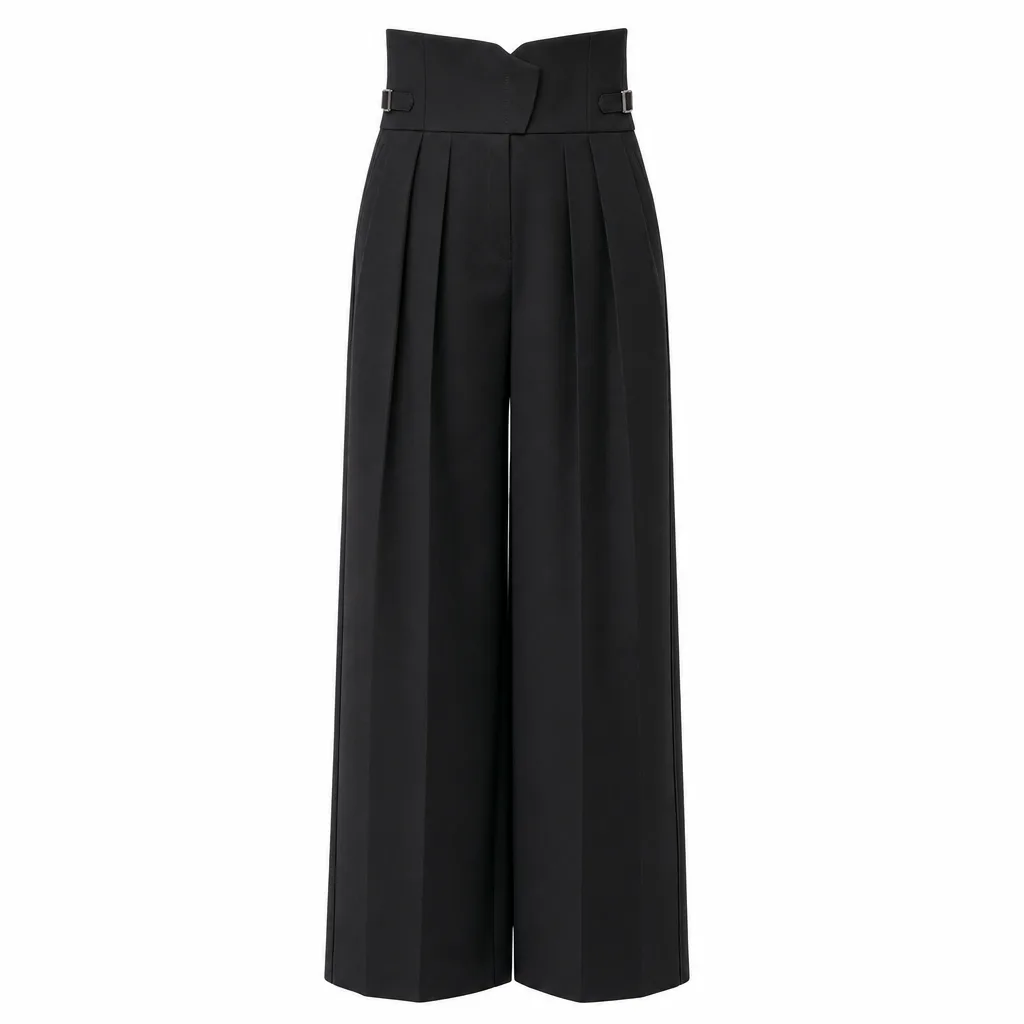
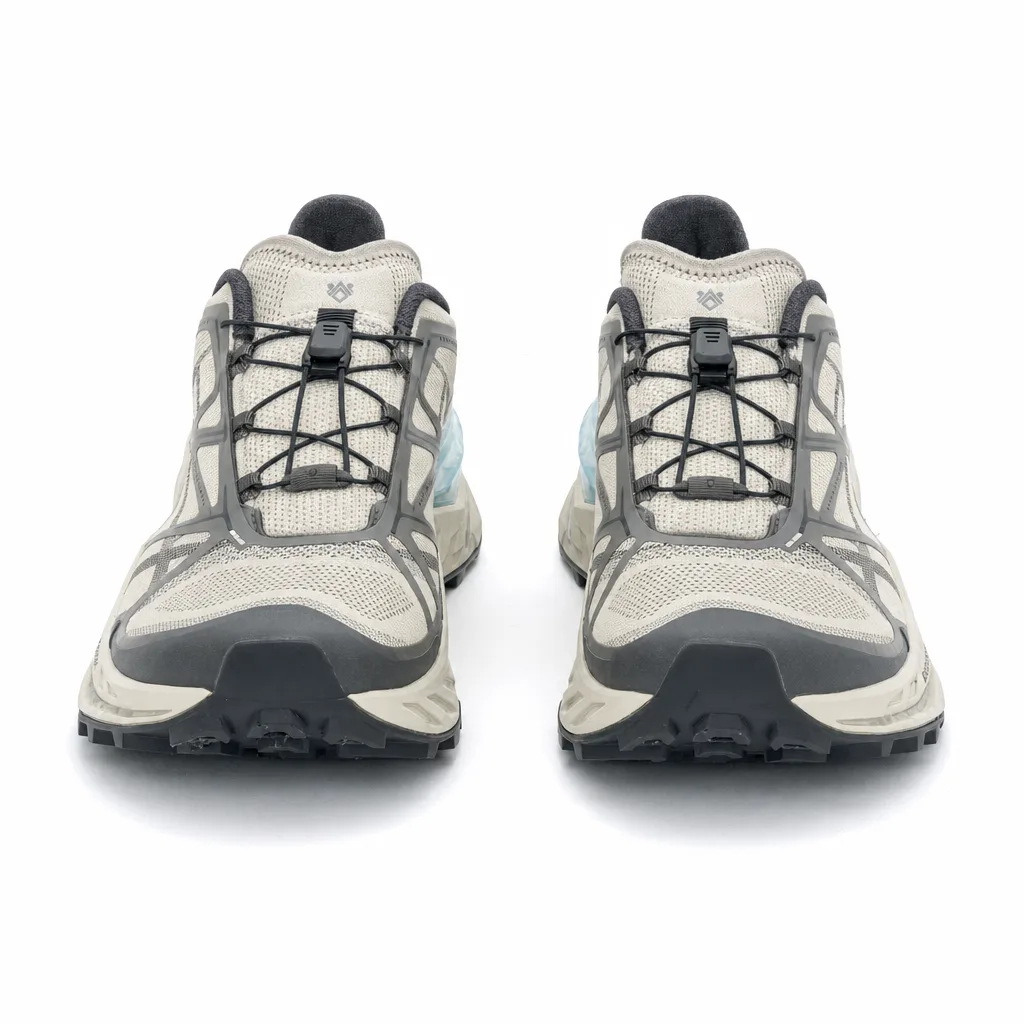
Share clear product photos, detail shots, article numbers, and the image types you need. Ghost-mannequin or packshot photos are enough to start. You do not need a studio session or a prompt library.

Most briefs also include a few references for model, crop, and where the images will be used. That is enough for GenShot Studio to open production.
02

Lock the visual direction

Before a full set is produced, GenShot Studio confirms models, styling, crops, lighting, and environment. You can choose a catalog setup or send existing brand references.

The look is locked first so later images stay coherent across a collection. This is still a production brief, not a tool for your team to operate.

03

We produce and check

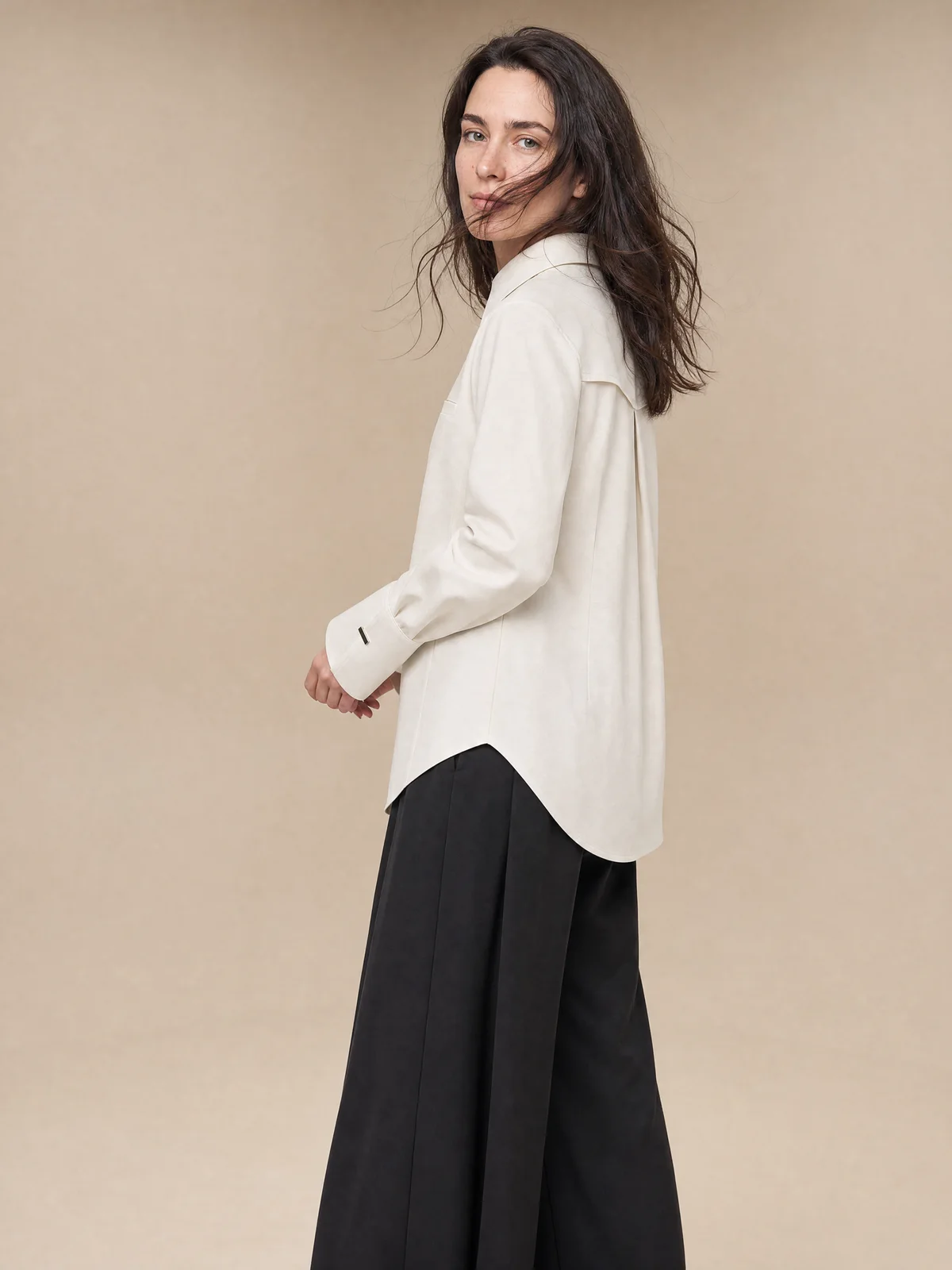
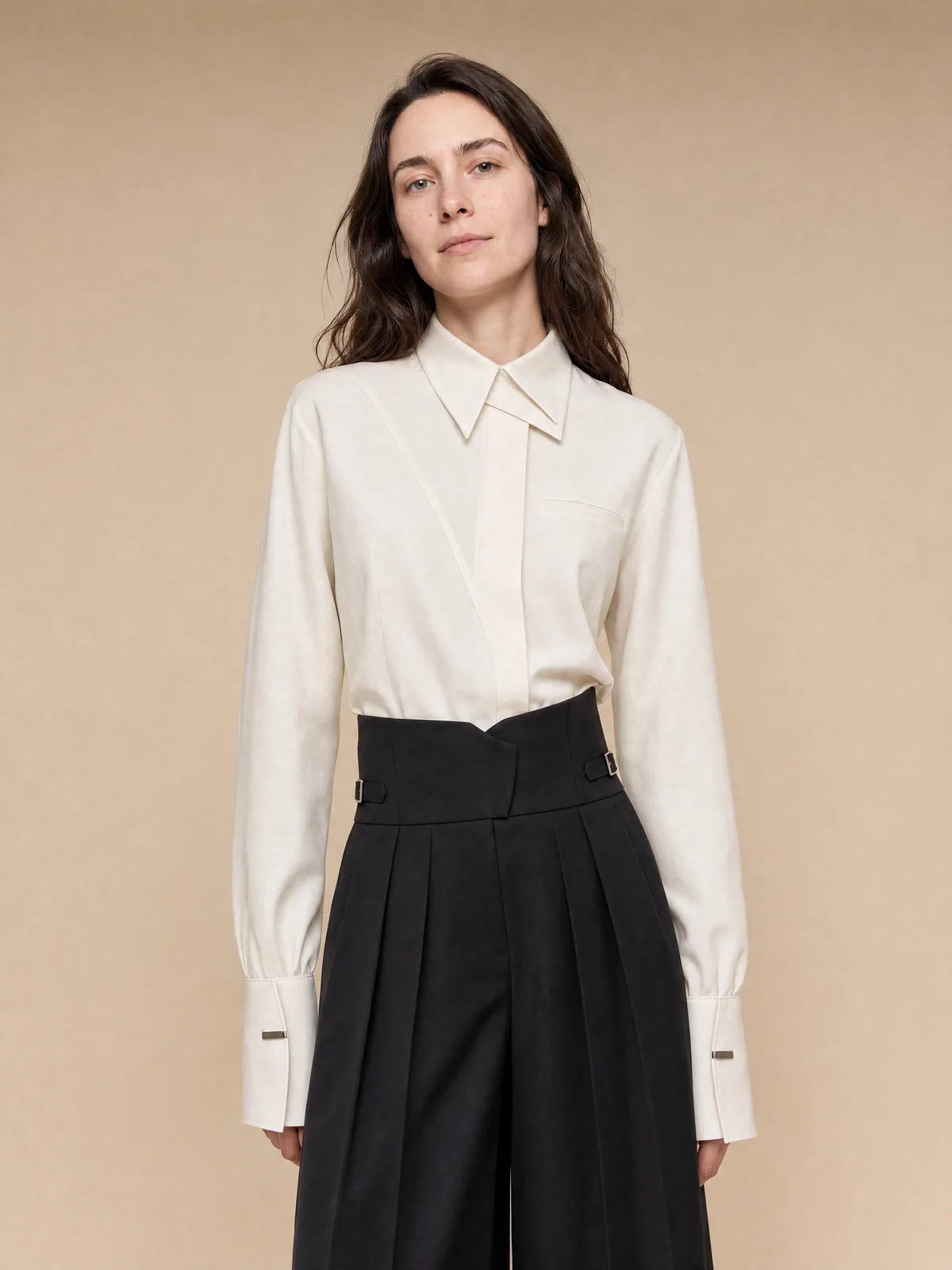
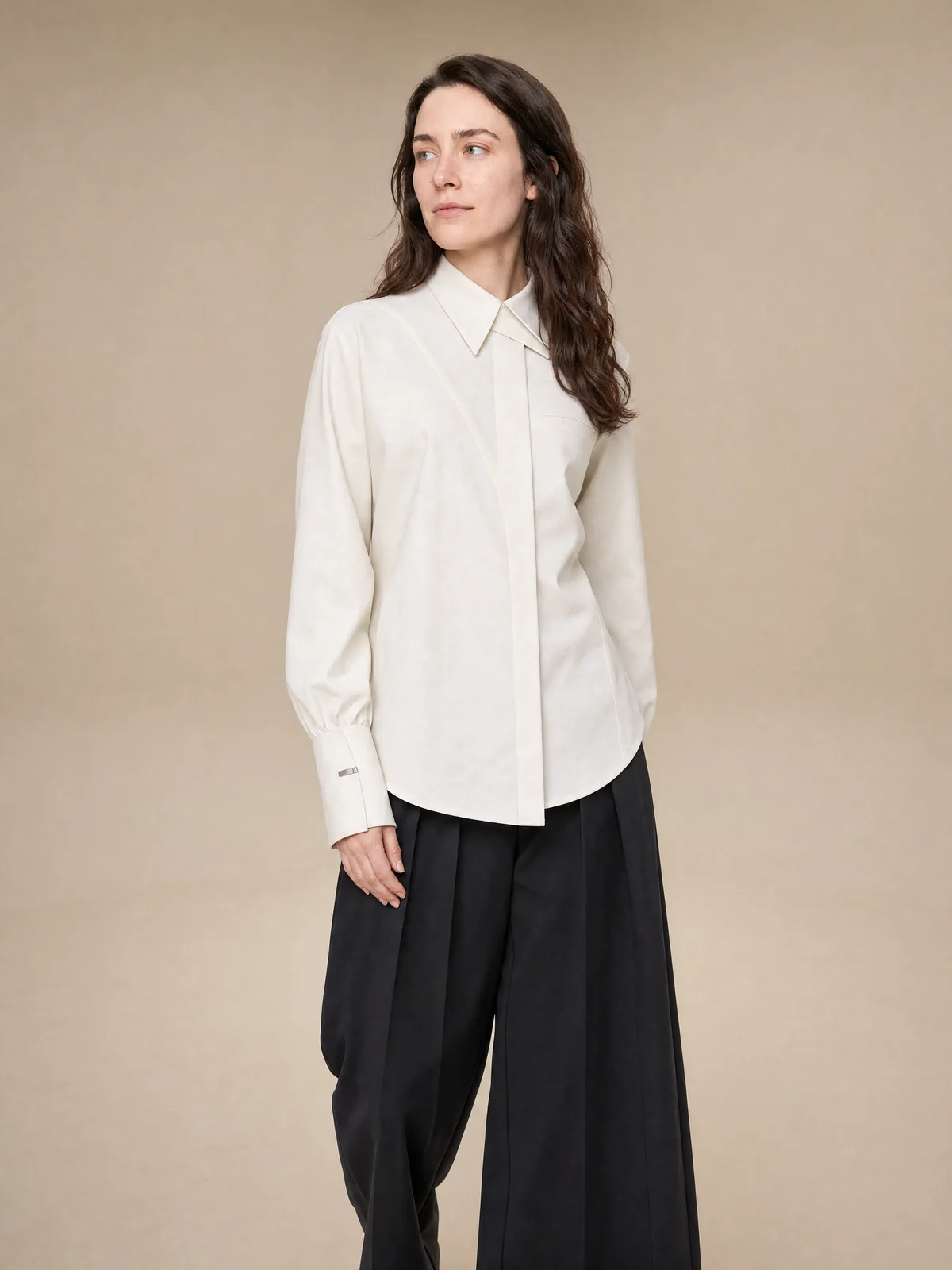
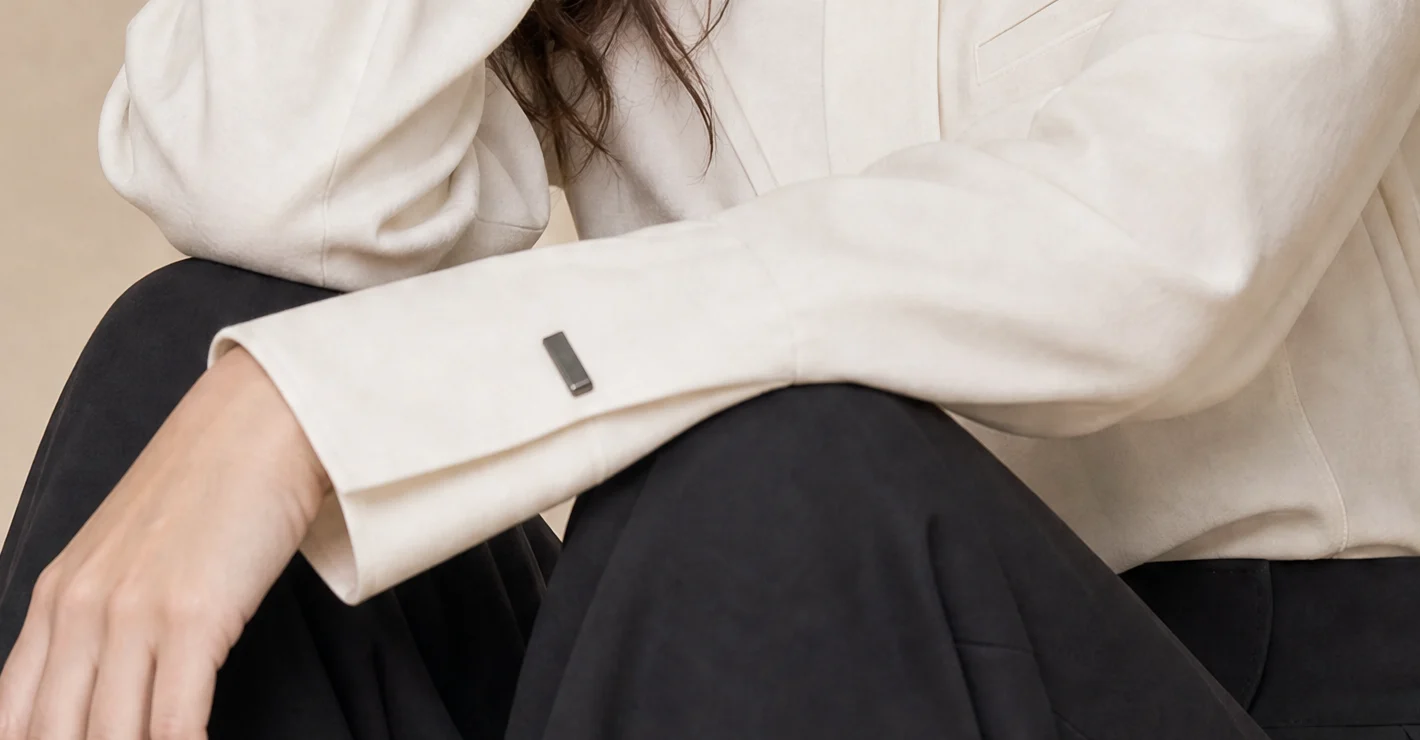
GenShot Studio generates options, then checks fit, color, materials, and logos before you see the set. The work is reviewed internally so you are not sorting failed generations.

You receive files prepared for review, not a raw batch of unvetted outputs. Catalog, product-page, and marketplace crops can come from the same source.

Front

Reviewed

Detail

Product

Cream shirt · Trousers

Quality

  • Shape
  • Color
  • Details

04

Approve and download

You select the images you want. Payment is for approved catalog images after the look is confirmed, from €5 per image. Failed internal generations are not billed.

A free pilot comes first, on a small product set and one visual direction. After the look is approved, production can continue on the rest of the catalog.

2 / 4 approved

Start with a free pilot.

Test a small set before production.